TV Remote Tips & Guides
How-to guides and fixes for using your iPhone as a universal remote — connect TCL, Roku TV, and other smart TVs over Wi-Fi, plus keyboard search tips.
How to Program a Universal Remote Without a Code
Skip the manual code lookup — run your remote's auto-search scan, pair an RF remote without any code, or connect a free Wi-Fi app to your TCL TV instead.
TCL TV Black Screen but Power Light On? Fix It Now
TCL TV screen is black but the power light stays on? Check the input and HDMI, power-cycle for 60 seconds, then run the flashlight backlight test.
Why Does My TCL TV Turn On By Itself?
TCL TV turning on by itself? It's usually HDMI-CEC, a stuck remote, or Fast TV Start. Match the cause to the fix — turn off CEC, clear timers, or update firmware.
How to Get to Settings on a Roku TV
Get to Settings on a Roku TV with Home, then OK. Use the plastic remote, the Roku app, or your iPhone when the clicker is gone.
How to Change Roku TV Screensaver Settings
Change Roku TV screensaver settings under Settings › Themes › Screensavers — pick new art, set the wait time, add photos, or run the menus from your phone.
How to Set the Best Roku TV Picture Settings
Set the best Roku TV picture settings: pick Movie, match backlight to the room, and cut extra processing — from the remote or your phone.
TCL TV Remote App Not Connecting? 6 Fast Fixes
TCL TV remote app not connecting? Match your symptom to the fix — same Wi-Fi, wake the TV, kill VPN or router isolation, restart, then re-scan.
TCL TV Screen Goes Black but Sound Still Works?
TCL TV screen goes black but sound still works? Press Home, check HDMI, power-cycle 60 seconds, then run a flashlight backlight test.
AirPlay Not Working on Roku? How to Fix It
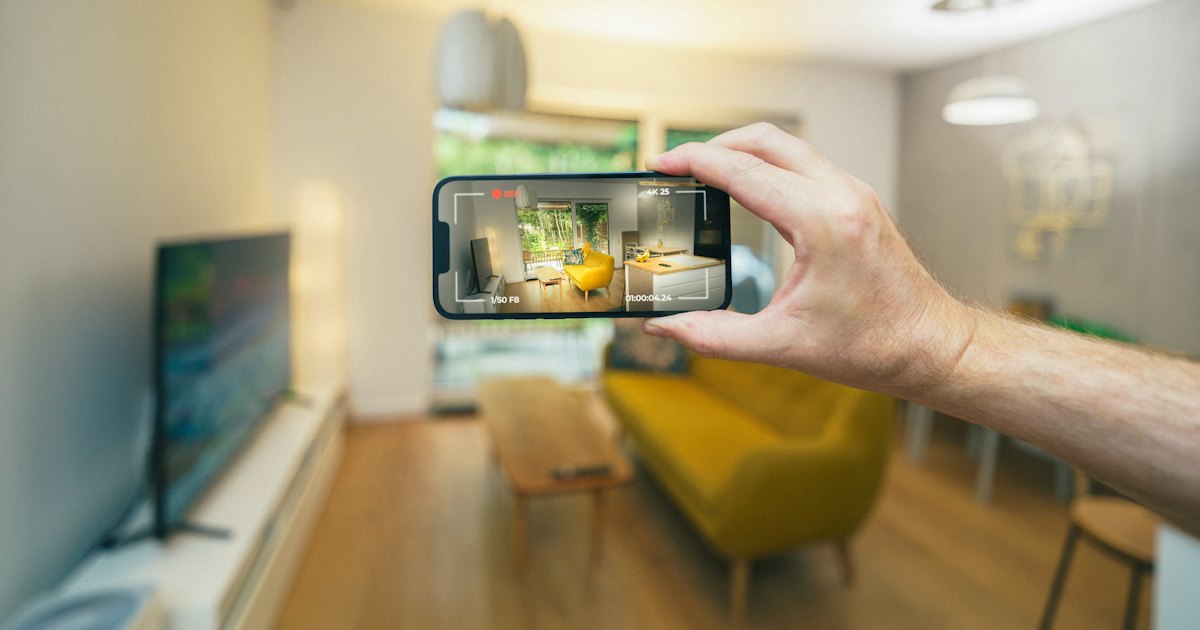
AirPlay not working on Roku? Match your symptom to the fix — switch AirPlay on, share one Wi-Fi, update the Roku OS, reset the passcode, or restart everything.
How to Find the 4-Digit Universal Remote Code for a TCL TV
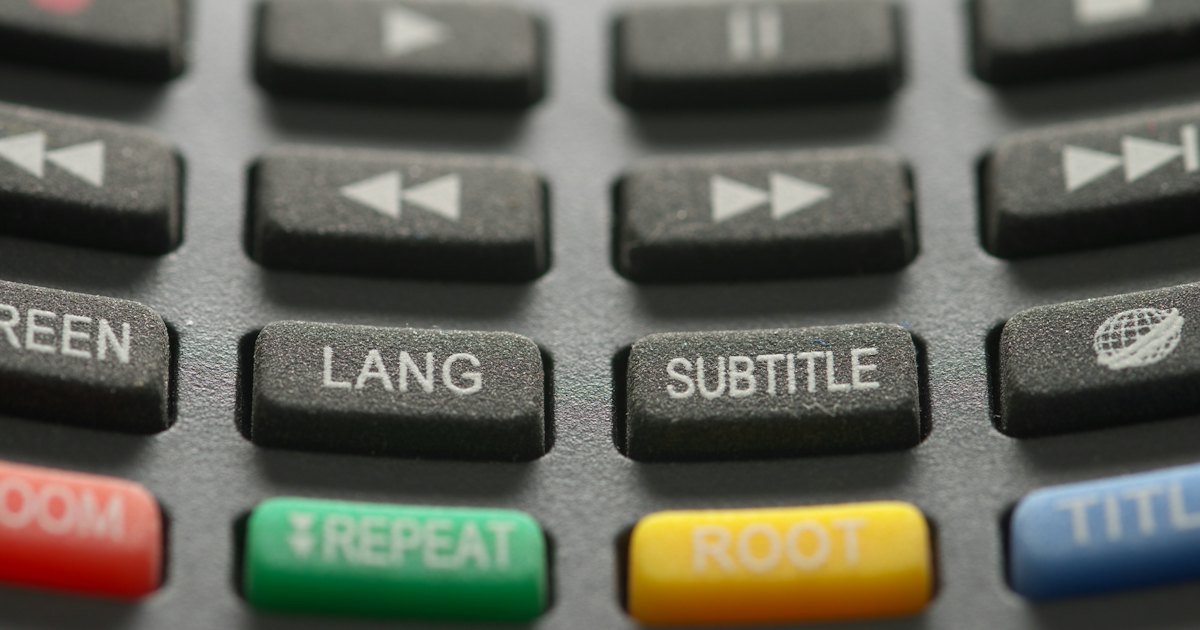
There's no single 4-digit TCL universal remote code — it depends on your remote's brand. Find yours in the manual or the maker's finder, run auto code-search, or skip codes with a phone app.
How to AirPlay on Roku From an iPhone, iPad, or Mac
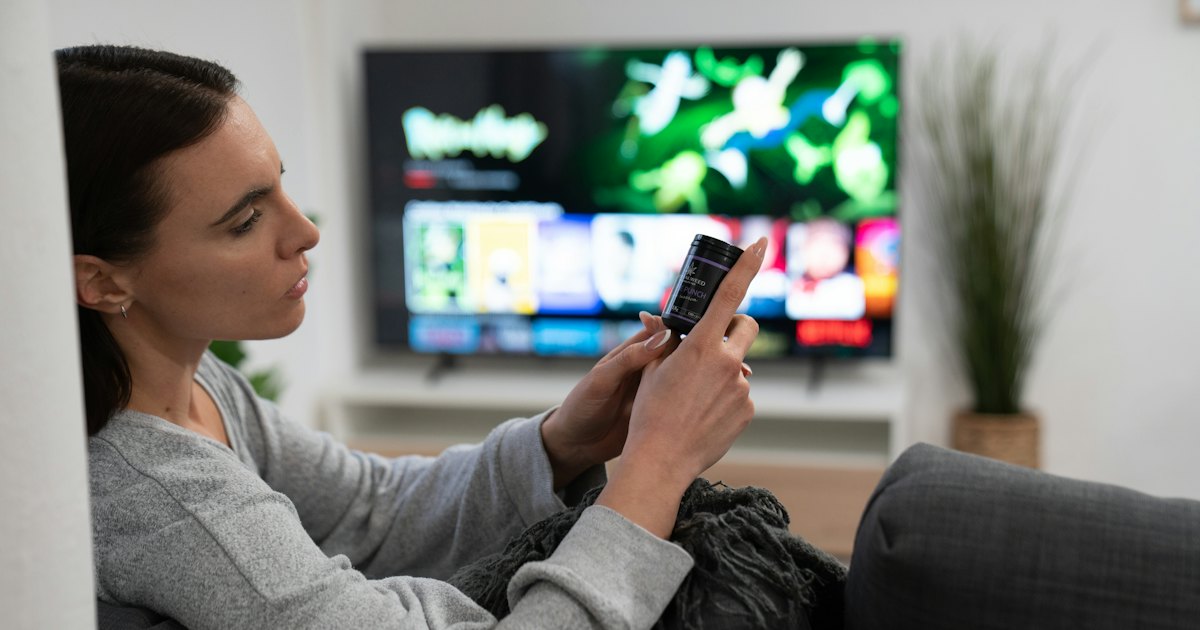
AirPlay on Roku from an iPhone, iPad, or Mac — turn AirPlay on, stream a video or photo from an app, mirror your whole screen, and fix a Roku that won't appear.
How to Cast to Roku From a Phone or Computer
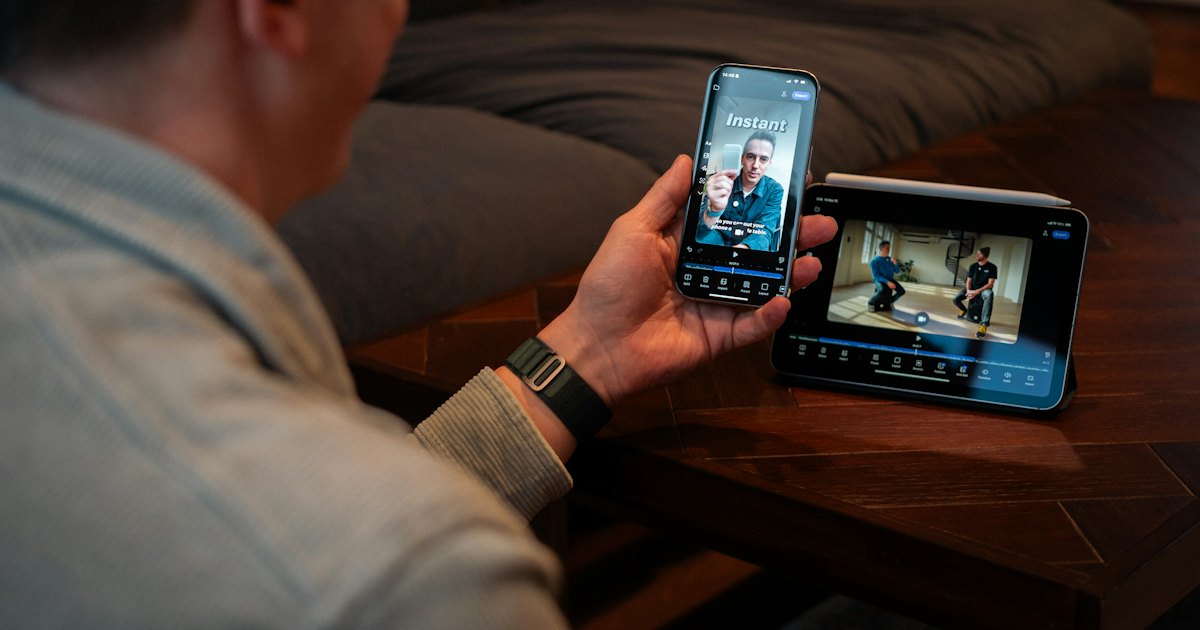
Cast to Roku from any phone, PC, or iPhone — cast a single app like YouTube, AirPlay from Apple, or share your own photos, on a Roku stick or Roku TV.
TCL Roku TV Keeps Restarting? How to Fix It
TCL Roku TV keeps restarting? Stop the reboot loop — cool an overheating set, fix weak power, clear a bad update, isolate a crashing app, or reset.
TCL TV Keeps Turning Off? How to Fix It
TCL TV keeps turning off by itself? Turn off the sleep timer and auto power-off, stop an HDMI-CEC device, cool an overheating set, or fix weak power.
How to Turn the Brightness Down on a Roku TV
Roku TV too bright? Lower the backlight from the Picture settings menu, switch to a dimmer picture mode, or turn off auto brightness — the exact steps.
How to Connect Headphones to a Roku TV
Connect headphones to a Roku TV free with Private Listening in the Roku app, plug into the remote's jack, pair Bluetooth on newer sets, or add a transmitter.
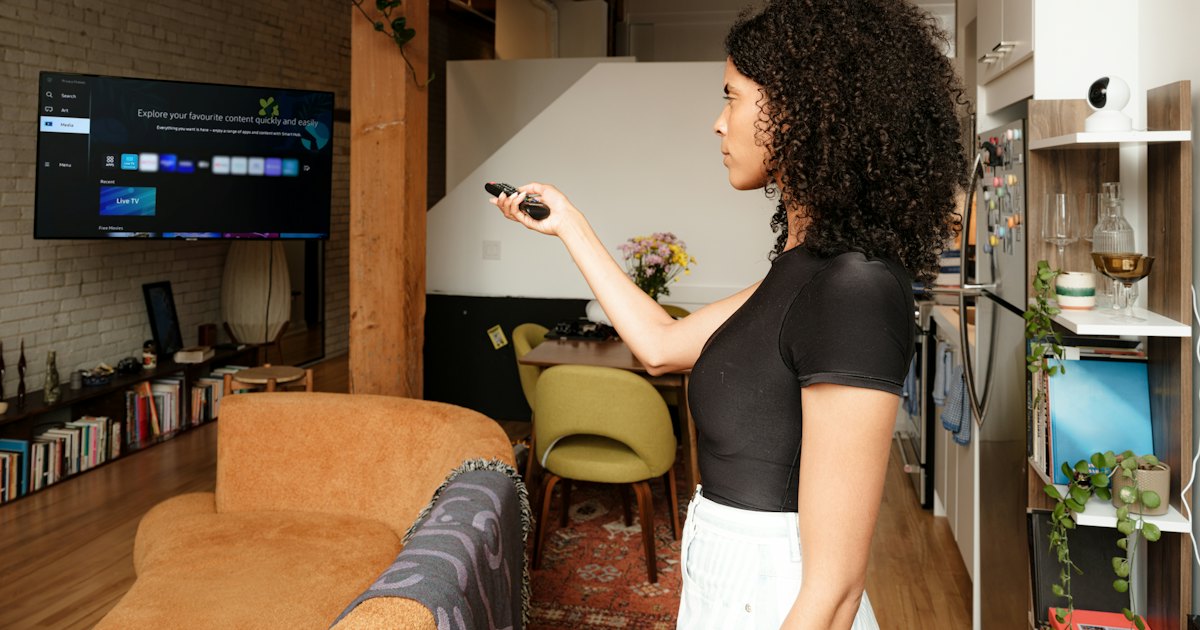
How to Pair a TCL Remote to Your TV
Pair a TCL remote to your TV — re-pair a Roku voice remote with its battery-bay button, Bluetooth-pair a Google TV remote, or check an IR clicker that never pairs.
How to Find the Remote Code for Your TCL Roku TV
There's no single TCL Roku TV remote code — codes are remote-model-specific. Run auto code-search, enter a TCL brand code, or skip codes with a phone app.
How to Set Up a TCL TV Without a Remote
Set up a TCL TV without a remote — cursor through a Google TV wizard with a USB mouse, use the TV's buttons, or grab a cheap universal remote for Roku sets.
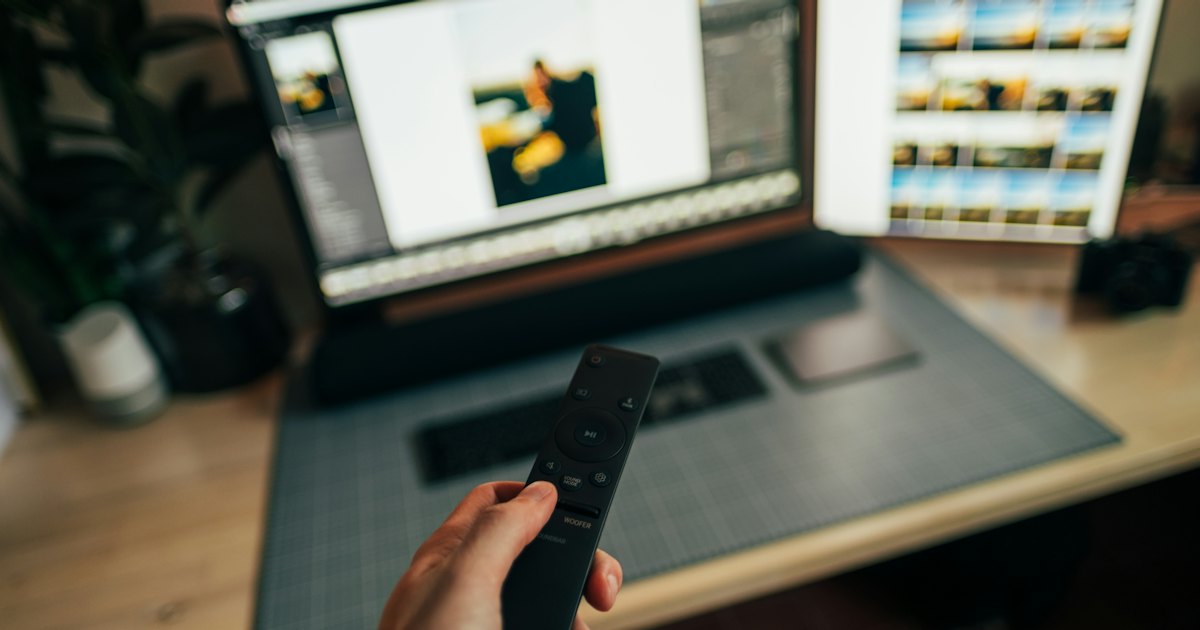
How to Pair a Roku Remote to a TCL Roku TV
Pair a Roku remote to a TCL Roku TV — hold the battery-bay button on a voice remote, set up an IR Simple remote, or link a replacement remote that fits.
How to Pair, Fix, and Use Your TCL Fire TV Remote
TCL Fire TV remote acting up? Re-pair the Alexa Voice Remote by holding Home, run the free Amazon Fire TV app over Wi-Fi, or control a Roku or Google TV TCL instead.
TCL Android TV Remote: How to Pair, Fix, and Replace It
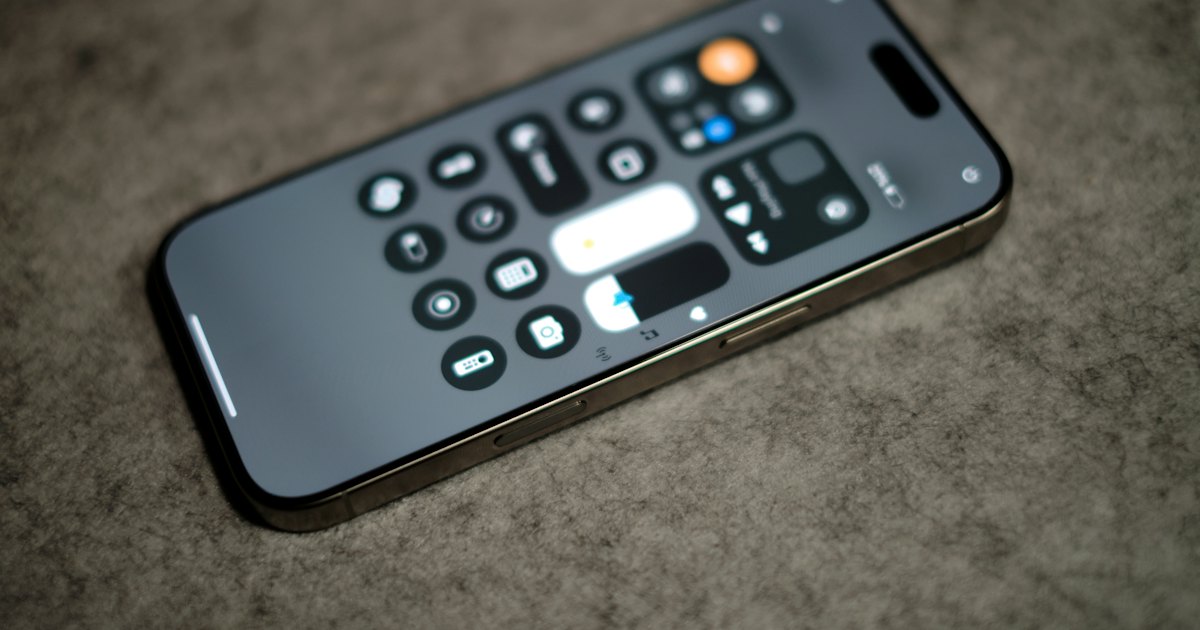
The TCL Android TV remote is a Bluetooth voice remote. Re-pair it by holding HOME + OK, fix a dead one, run it free from your phone, or fit a replacement.
How to Screen Mirror on Roku
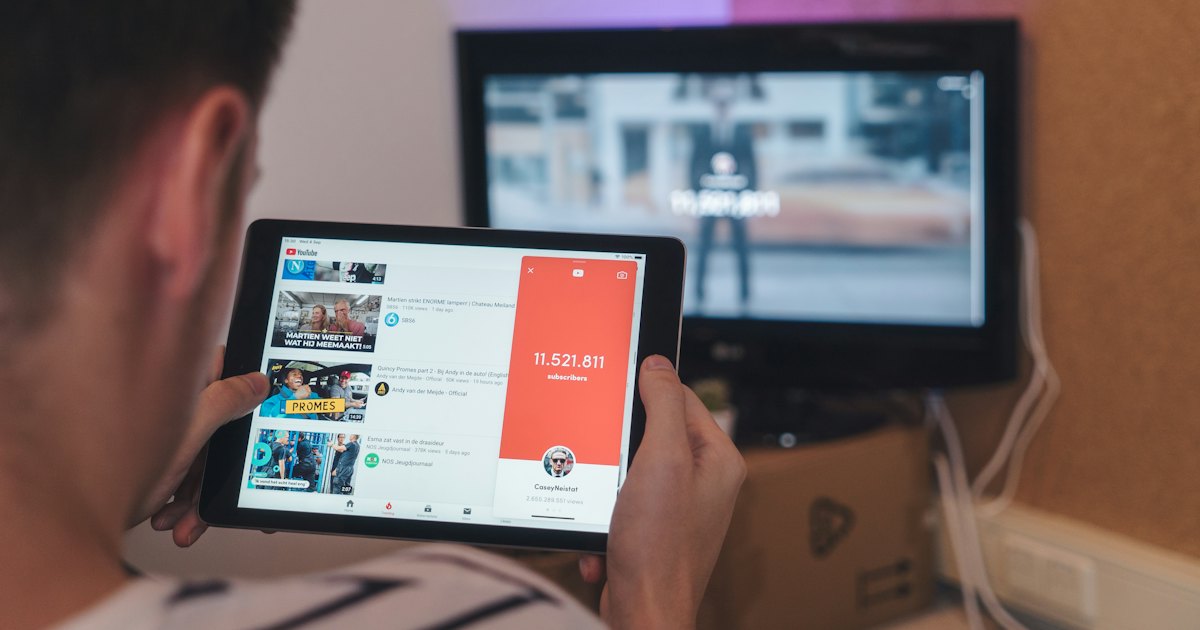
Screen mirror on Roku from any device — the steps are the same on a Roku stick or a Roku TV. Turn on mirroring for Android and Windows, or AirPlay for Apple devices.
How to Set Up, Fix, or Replace Your TCL TV Remote
A TCL TV can run Roku, Google TV, or Android TV, and the remote works differently on each. Identify yours, pair or fix it, put it on your phone, or replace it.
How to Turn On a TCL TV Without a Remote
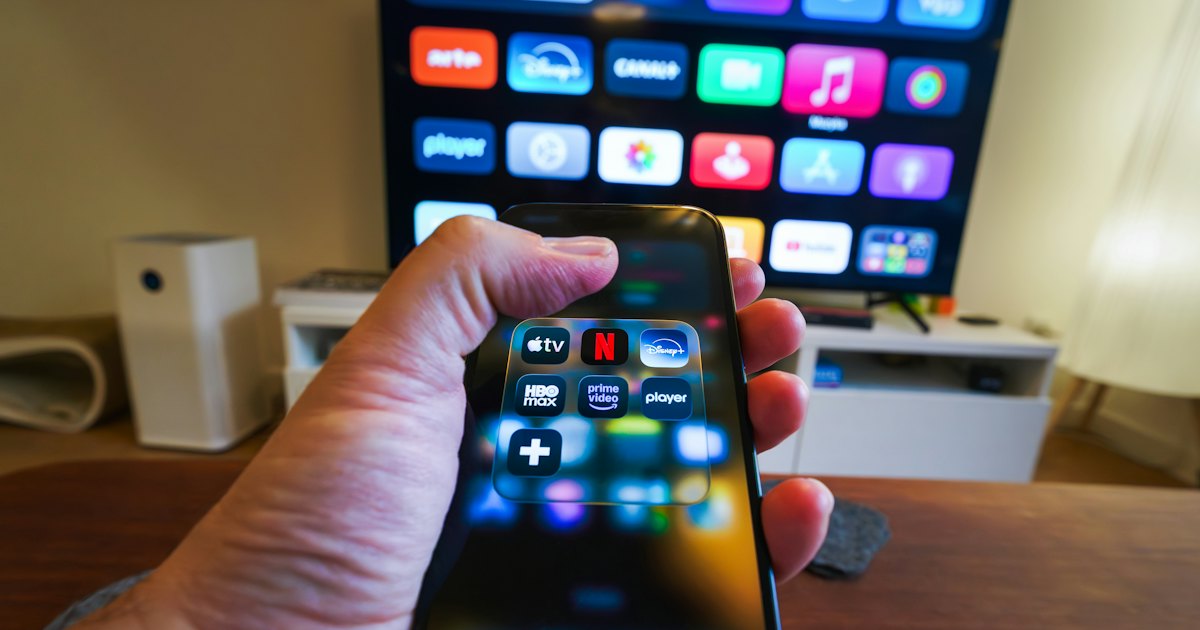
Turn on a TCL TV without a remote using the set's own power button, a connected device over HDMI-CEC, your phone over Wi-Fi, or a linked voice assistant.
How to Connect a TCL TV to Wi-Fi Without a Remote
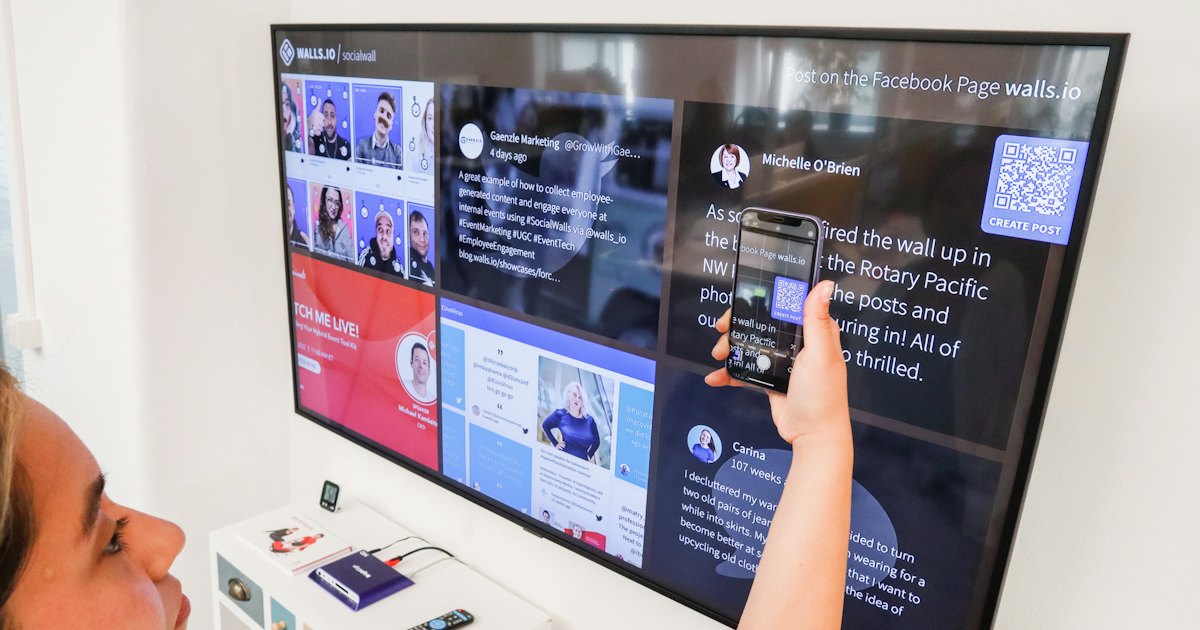
Connect a TCL TV to Wi-Fi without a remote using an Ethernet cable, a USB mouse on Google TV, a matching router name, or a phone app once it's online.
TCL TV Won't Turn On? How to Fix It
Fix a TCL TV that won't turn on with a 60-second power drain, an outlet and cable test, standby-light triage, and a black-screen check — step by step.
Where Is the Power Button on a TCL TV?
Find the power button on your TCL TV — on the back, bottom, or a joystick under the panel — then use it to turn the set on, switch inputs, and open menus.
How to Control a TCL TV Without a Remote or Wi-Fi
No remote and no Wi-Fi? Control a TCL TV network-free with the set's own button, HDMI-CEC, or an IR remote — or make a hotspot and run a phone app for full control.
How to Clear the Cache on a Roku TV
Clear the cache on a Roku TV to fix slow menus and crashing apps — a remote button sequence, a system restart, a power cycle, or reinstalling a channel.
How to Change the Roku Account on a Roku TV
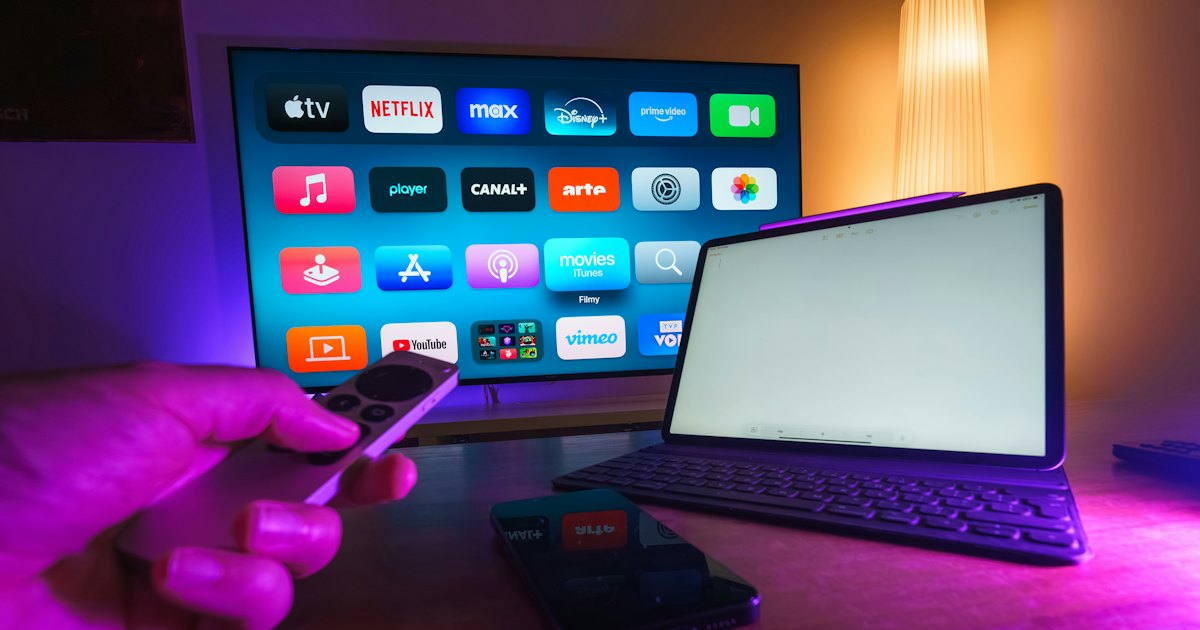
Change the Roku account on a Roku TV by factory-resetting and signing in with a new account, editing your current account online, or removing an old device.
How to Change the Input on a Roku TV
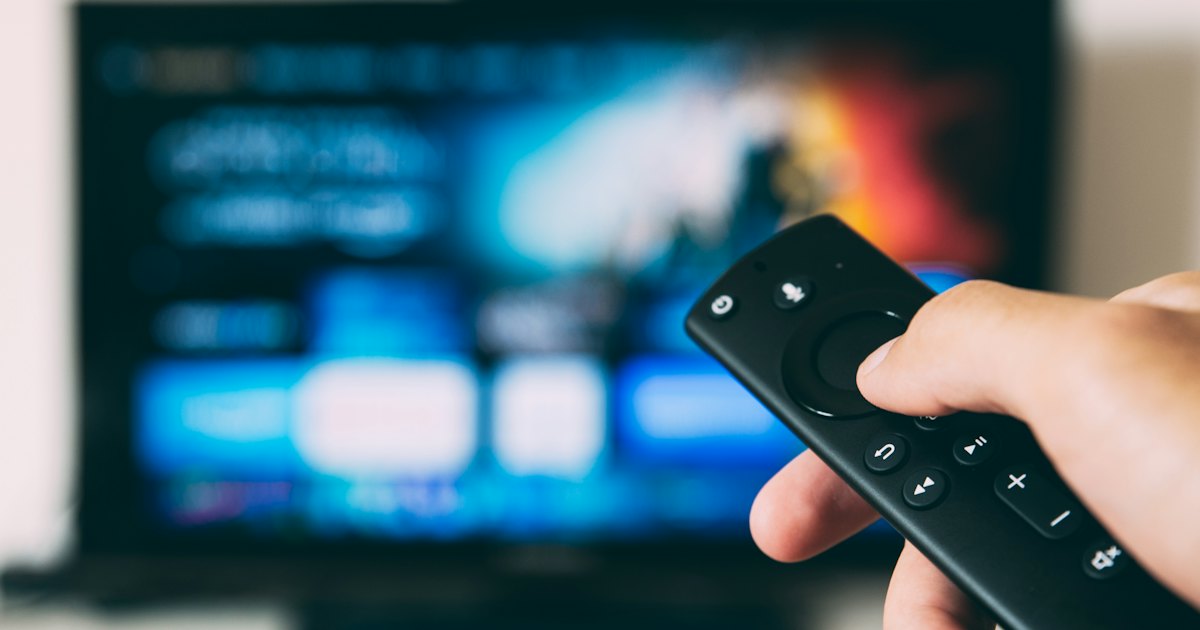
Change the input on a Roku TV from the Home screen, rename or hide the HDMI tiles, or switch sources without the remote using your phone or HDMI-CEC.
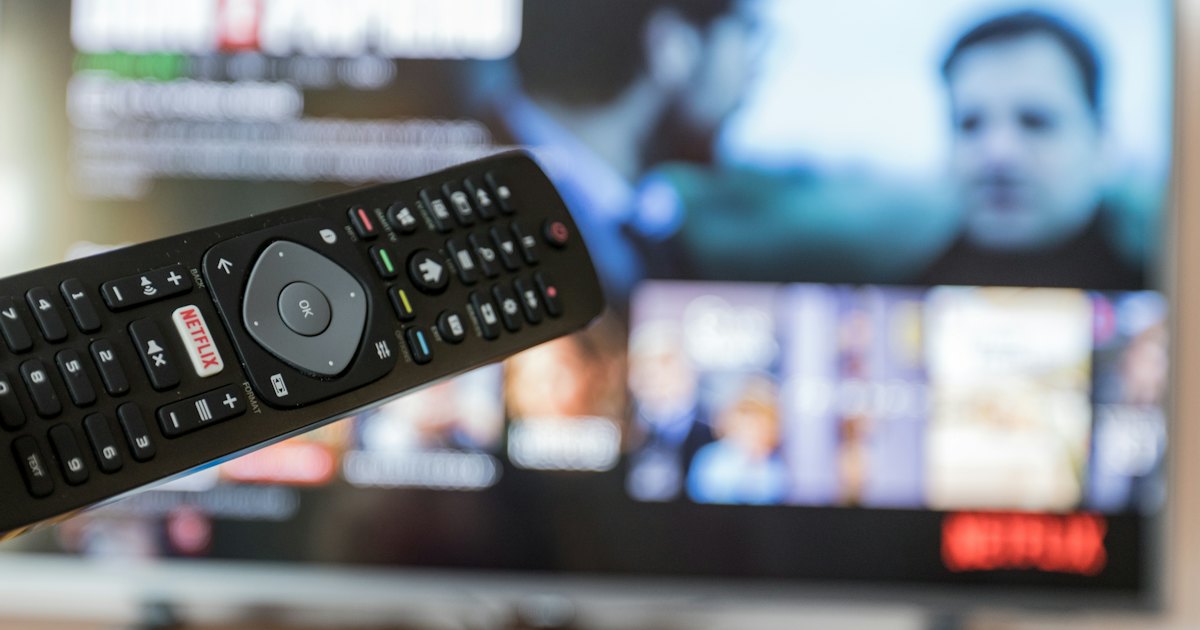
TCL Google TV Remote: How to Pair, Fix, or Replace It
The TCL Google TV remote is a Bluetooth voice remote. Pair or re-pair it, map every button, program TV power and volume, fix it, or replace it from your phone.
TCL TV Remote Not Working? Fix It in Minutes
Is your TCL TV remote not working? Tell a dead remote from a TV fault, then fix the batteries, IR sensor, and pairing — or control it free from your phone.
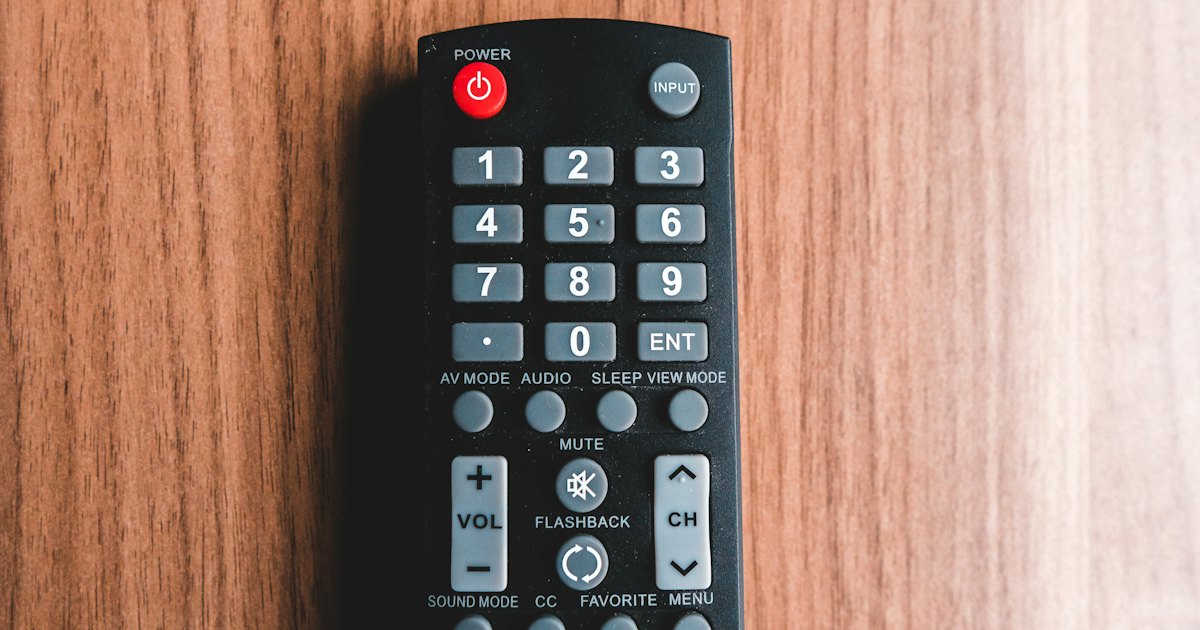
Lost Your TCL TV Remote? How to Find or Replace It
Lost your TCL TV remote? Take back control in a minute with a free phone app, find it with Roku's remote finder, or order a replacement.
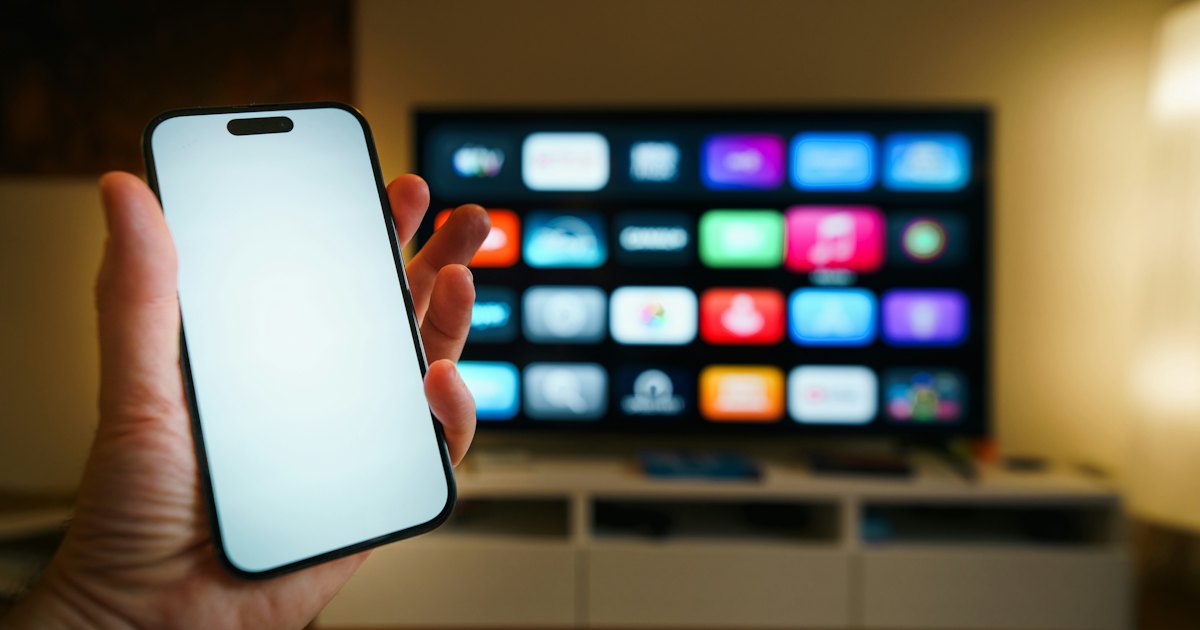
How to Use a TCL TV Remote App Without Wi-Fi
No home Wi-Fi for your TCL TV? Run a phone remote app over a hotspot, or use an IR remote, HDMI-CEC, or the set's own buttons when there's no network.
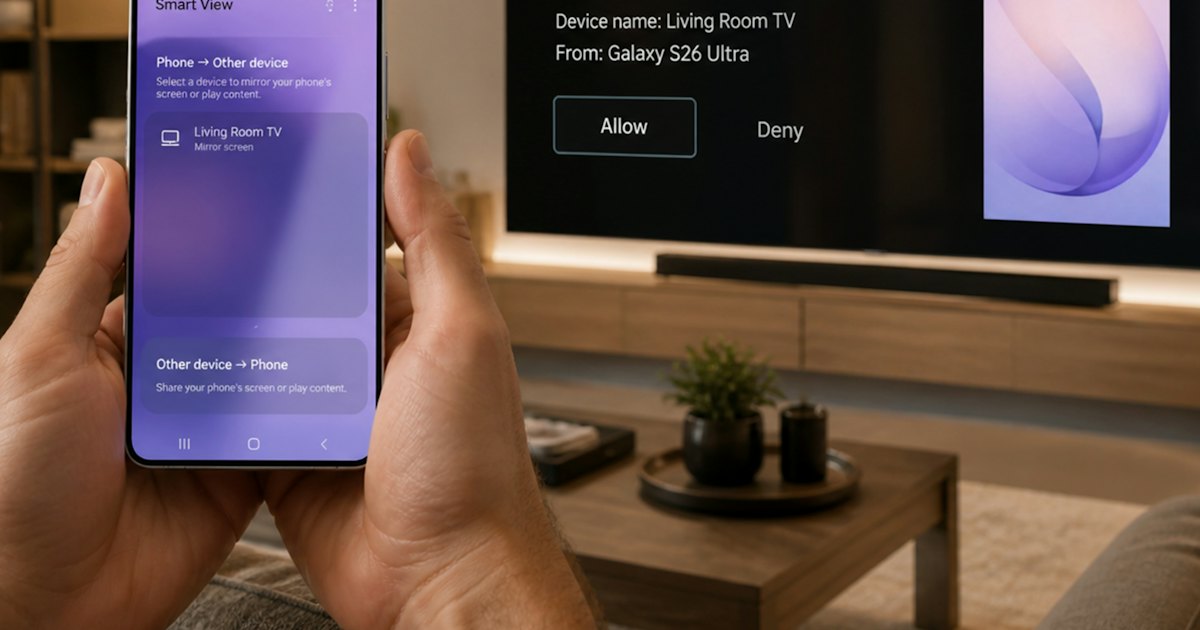
TCL TV Remote App: Control TCL & Roku TV by Phone
Turn your iPhone into a TCL TV remote app for Roku TV and Google TV. Download it free, connect over Wi-Fi, and control power, volume, and search fast.