Guide
Lost Your TCL TV Remote? How to Find or Replace It
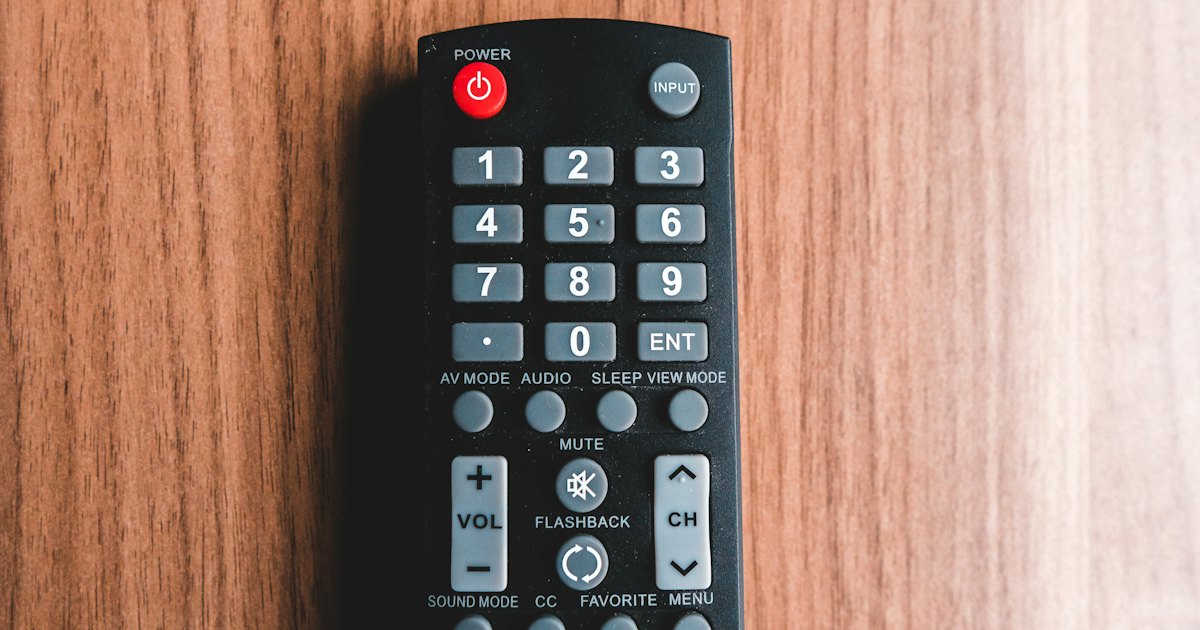
Lost your TCL TV remote? The fastest fix is a free phone app over Wi-Fi. Install Smart TV Remote, join the same network as your TCL, and you have power, volume, and search in about a minute. Then find the old remote or order a replacement — this guide covers both, plus the TV's own button.
On this page
I run a TCL Q6 (55Q650G) on Google TV and an older TCL 3-Series Roku TV (32S335) in the guest room. The Roku set's voice remote vanished into the couch for a week. I controlled the TV from my iPhone the whole time, then used Roku's remote finder to make it chirp and dug it out. My honest take: put the app on your phone first, then hunt — you lose nothing by having a backup remote already running.
Below are four ways to handle a lost TCL TV remote, ordered from fastest relief to a permanent fix. Each has exact steps and the real catch. This guide assumes your TCL is already set up and was working before the remote went missing — if it's a brand-new or factory-reset TV that never finished the setup wizard, see how to set up a TCL TV without a remote instead, since a phone app can't reach a TV that isn't activated yet. If the remote isn't lost but simply dead, start with the TCL remote not working checklist instead — fresh batteries revive it more often than you'd expect. Or jump straight to the interactive TCL remote finder to control the set from your phone right now while you search. If the remote is gone for good, a TCL TV remote replacement app can take over permanently — no new plastic needed.
Smart TV Remote
Remote gone but the TV still on?
Smart TV Remote takes over from your iPhone over Wi-Fi in a minute — free.
Smart TV Remote
Free · iOS 16+


First: a 30-second triage
Before you buy a thing, answer three questions. They tell you which methods below are open to you right now, and which need a wait or a purchase.
- 1Is your TCL TV connected to Wi-Fi? If yes, the free phone app (Method 1) gives you full control this minute — no purchase, no waiting.
- 2Did the set ship with a Roku rechargeable voice remote? Then the remote finder (Method 2) can chirp it out of the couch cushions.
- 3Is the TV off and offline? Reach for the TV's own button (Method 3) to power it on, then decide between a replacement or universal remote.
Method 1: Take back control with a free phone app
If your TCL is on Wi-Fi, your phone becomes a full remote in about a minute — the fastest relief when the real remote is gone. A universal app like Smart TV Remote pairs with both TCL Roku and Google TV sets from one app.
- 1Install a free remote app. Download Smart TV Remote free from the App Store on your iPhone or iPad. TCL Roku and Google TV owners can use TCL's platform apps instead.
- 2Join the same Wi-Fi as your TCL. Put your phone on the exact Wi-Fi network your TCL TV uses. The app reaches the TV over that shared network, not by infrared, so both devices must match.
- 3Pick your TCL in the app. Open the app and let it scan. Tap your TCL TV in the detected list to connect. A universal app needs no code; platform apps show a pairing code on the TV.
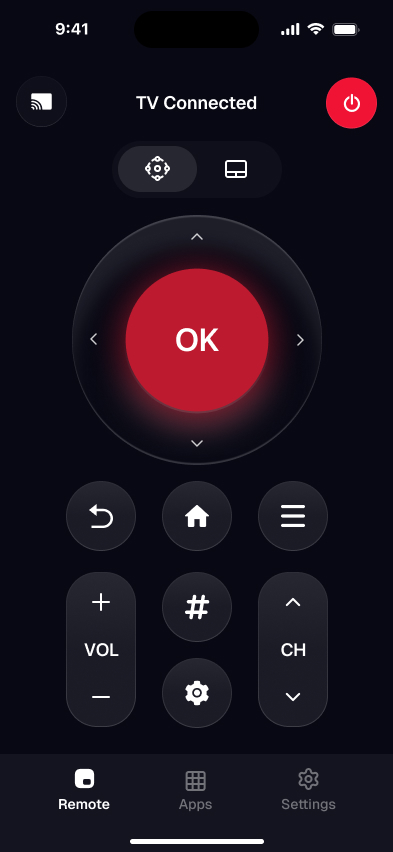
- 4Take back control of the TV. Use the on-screen D-pad, OK, volume, playback, and keyboard exactly like the remote you misplaced.
Catch: it works over the network, so the TV has to be on and on the same Wi-Fi — a fully unplugged set can't be woken from a phone. If the TV is off and you have no remote at all, start with how to turn on a TCL TV without a remote. New to pairing? The phone-to-TCL setup guide walks the very first connection step by step. It's one of several free remote options for a TCL TV if you'd rather not spend anything.
Method 2: Find a lost TCL Roku remote with the finder
If your TCL Roku TV shipped with a rechargeable voice remote, it may have a built-in remote finder. The remote holds a small speaker, so the TV can tell it to play a sound and you follow the noise. This only works on voice remotes — the basic IR remote has no speaker.
- 1Open the free Roku mobile app on your phone, signed into the same account, or use a second remote if you have one.
- 2On the TV, go to Settings › Remotes & devices › Remotes and select your voice remote.
- 3Choose Find remote (or Find lost remote) — the remote plays a sound for about a minute.
- 4Follow the sound; check couch cushions, blankets, and between seat cushions first.
Catch: the finder needs the voice remote to hold some charge, and a Google TV model's remote has no equivalent feature. Roku's lost-remote support page confirms which remotes support the finder.
Method 3: Use your TCL TV's own button as a stopgap
Every TCL TV has a physical button on the set itself. It won't replace a remote, but it powers the TV on and, on many models, opens a basic menu — enough to keep watching while you set up the app or wait on a replacement.
- 1Find the button: it's usually on the back-right panel or centered under the bottom bezel. Some models label it, some hide it as a small joystick.
- 2Short-press to power the TV on or off.
- 3On joystick models, push up, down, left, or right to move through inputs and volume; press in to select.
- 4On single-button models, repeated presses cycle inputs — enough to reach a device you can control another way.
Catch: the button covers power and, at best, input switching — not full menu navigation or search. Pair it with the phone app for real control. No network at all? See how to run a TCL TV remote app without Wi-Fi over a hotspot.
Smart TV Remote
Don't want to lean on the TV's single button?
Smart TV Remote gives you the full D-pad and keyboard on your phone — free.
Smart TV Remote
Free · iOS 16+
Method 4: Replace it for good
Once the old remote is gone for good, get a physical one back. Order the official replacement that matches your TV's platform — a Roku TV IR remote for a TCL Roku TV, TCL's own model-specific remote for a Google TV set, or the Bluetooth voice remote covered in our Android TV remote guide for an older Android TV set — using the part number inside the old remote's battery compartment or on TCL's official support site. Prefer a cheap, no-Wi-Fi backup? A programmable universal remote works once you enter the right TCL or Roku code.
Either way, match the platform first or the buttons won't map. For the exact steps, part numbers, and pairing, our replacement remote and universal remote walkthroughs cover each in full.
Which fix for a lost TCL remote fits you?
All four get you watching again. They differ in cost, how much control you get, and whether they even apply to your remote or set.
| Option | Phone app | Remote finder | TV button | Replacement |
|---|---|---|---|---|
| Cost | Free | Free | Free | Paid |
| Full navigation | Yes | n/a | No | Yes |
| Needs Wi-Fi | Yes | No | No | No (IR) |
| Works if remote is gone for good | Yes | No | Yes | Yes |
| Ready right now | Yes | If voice remote | Yes | After shipping |
My pick for most people: use the free phone app today, run the remote finder if you have a voice remote, and order a replacement only if you still want a physical clicker. Want the app compared against every other remote option? The TCL TV remote app overview lines them up.
Smart TV Remote
Remote's gone for good? Stop searching the couch.
Smart TV Remote replaces it in one free download, no batteries to lose.
Smart TV Remote
Free · iOS 16+
Frequently Asked Questions
How can I control my TCL TV if I lost the remote?
Install a free remote app on your phone and connect it over Wi-Fi. Smart TV Remote, or TCL's own Roku and Google TV apps, gives you a D-pad, volume, playback, and a keyboard in about a minute. The only requirement is that your phone and the TV share the same Wi-Fi network, since iPhones have no infrared.
Is there a remote finder for a TCL Roku TV?
Yes, but only for Roku's rechargeable voice remotes, not the basic IR remote. If your set came with a voice remote, open the Roku mobile app or the on-TV Remotes & devices menu and choose Find remote — the remote plays a sound so you can track it down. A standard IR remote has no speaker, so this feature does nothing for it.
How do I turn on a TCL TV without a remote?
Use the physical button on the TV itself. Most TCL sets have a single power or joystick button on the back panel or under the bottom-center bezel. A short press powers the set on; on many models a long press or a nudge opens a basic input and volume menu. It is a stopgap, not full navigation.
Where can I buy a replacement TCL TV remote?
Order one from TCL's official support site, or from Roku for a TCL Roku TV. Match your TV's platform and model first: the part number is printed inside the old remote's battery compartment and on the support page for your set. Third-party replacements exist too, but confirm the listing names your exact model.
Can I use my phone if I lost my TCL remote and have no Wi-Fi?
Yes, over a phone hotspot. Turn on your phone's Personal Hotspot, connect the TCL TV to it, then join that same hotspot from a second device to run the remote app. HDMI-CEC from a connected soundbar or console also covers power and volume with no network at all. See our no-Wi-Fi guide for the full walkthrough.